Unlock the Secret to Ultimate Comfort: Discover the Key Features of Ergonomic Keyboards!
In a world where we spend countless hours typing, the importance of comfort and ergonomics cannot be overstated. Ergonomic keyboards are designed specifically to promote comfort during long typing sessions, reducing the risk of strain and injury. As more individuals recognize the significance of ergonomic setups in both workplace and personal environments, understanding how these keyboards function becomes essential. Ergonomic keyboards cater to the natural posture and movements of the user, providing an experience that not only enhances productivity but also prioritizes health. Whether you're a professional writer, a gamer, or someone who simply uses a computer for daily tasks, investing in the best ergonomic keyboard can make a significant difference in your overall well-being.
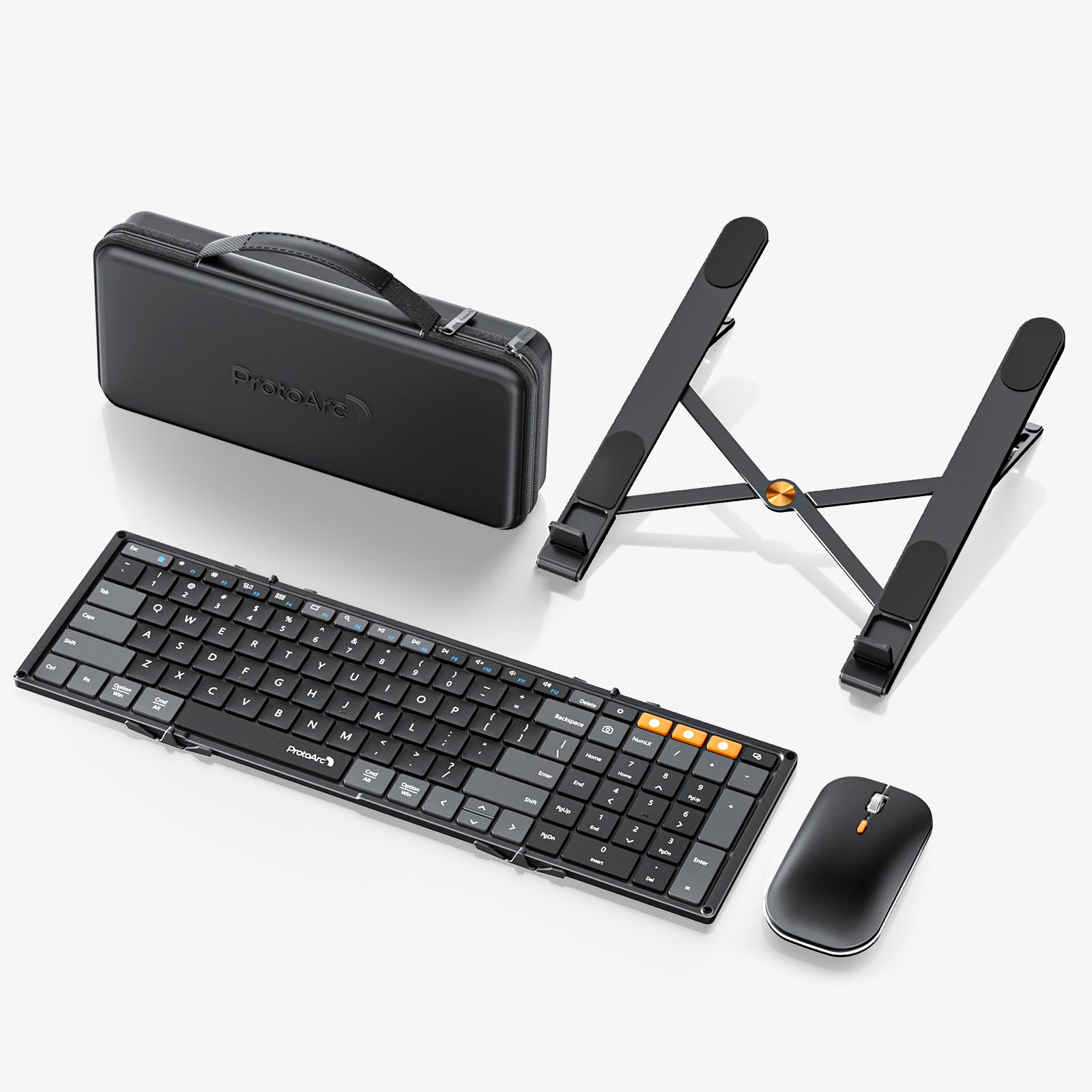
Understanding Ergonomics in Keyboards
Ergonomics refers to the science of designing equipment and devices that fit the human body's natural movements and postures. When it comes to keyboards, ergonomic design principles aim to create a setup that minimizes discomfort and promotes efficiency in typing. Traditional keyboards often lead to awkward wrist positions and excessive strain on the fingers and hands. In contrast, ergonomic keyboards are tailored to align with the user's natural stance, offering features that allow for a more comfortable and efficient typing experience. By understanding the principles of ergonomics, users can choose keyboards that not only fit their physical needs but also enhance their overall typing experience. This thoughtful design consideration can help prevent repetitive strain injuries and provide a more pleasant interaction with technology.
Key Features of Ergonomic Keyboards
Choosing the best ergonomic keyboard involves understanding the essential features that contribute to its effectiveness. Here are some key aspects to consider:
1. Design and Layout
The design and layout of an ergonomic keyboard play a crucial role in its effectiveness. Many ergonomic keyboards feature split designs that separate the key areas for each hand, allowing for a more natural wrist position. Tenting, which raises the center of the keyboard, further promotes a neutral wrist angle. Curved shapes also contribute to a better fit for the hands, reducing strain during extended use. A well-designed layout can make typing more intuitive and comfortable, leading to a more enjoyable experience.
2. Key Type and Feedback
The key type and feedback are vital components of an ergonomic keyboard. Key travel—how far a key must be pressed down—affects how quickly and comfortably users can type. Tactile feedback, which refers to the sensation users feel when a key is pressed, is also important; it helps users know when a key has registered without needing to apply excessive force. Different switch types can cater to various preferences; some users may prefer a soft touch, while others might lean towards a more resistant feel. Finding the right balance in key type and feedback is essential for enhancing typing efficiency.
3. Wrist Support
Wrist support is another critical feature of ergonomic keyboards. Many models come equipped with built-in wrist rests or offer compatibility with separate wrist support accessories. These additions help to maintain a neutral wrist position, reducing the risk of strain during long typing sessions. The cushioning in wrist rests can also provide comfort, allowing users to type for extended periods without discomfort. Investing in a keyboard that prioritizes wrist support can significantly impact overall typing experience.
4. Adjustability and Customization
One of the standout features of ergonomic keyboards is their adjustability and customization options. Some keyboards allow users to adjust the height, angle, and even the layout to suit personal preferences and typing styles. Programmable keys can also enhance functionality, enabling users to create shortcuts for frequently used commands. This level of customization ensures that each user can tailor their keyboard to their specific needs, fostering a more comfortable and efficient workspace.
Potential Benefits of Using Ergonomic Keyboards
Investing in an ergonomic keyboard can yield numerous benefits for users. First and foremost, these keyboards are designed to reduce physical strain, making them a valuable tool for individuals who spend long hours typing. Users often report experiencing less discomfort in their wrists, hands, and arms, leading to a more pleasant work experience. Additionally, ergonomic keyboards can enhance productivity; when typing is comfortable, users can maintain focus and work more efficiently. The improved posture promoted by these keyboards can also contribute to better overall health, making them a smart choice for anyone looking to optimize their workspace. Personal experiences shared by friends have revealed that transitioning to an ergonomic keyboard not only alleviated pain but also made typing sessions feel less tiring, allowing them to work longer without fatigue.
Summarizing the Benefits of Ergonomic Keyboards
In conclusion, the effectiveness of ergonomic keyboards lies in their thoughtful design features that prioritize user comfort and health. From their unique layouts and key feedback to their customizable options and wrist support, these keyboards offer a range of benefits that can enhance the typing experience. As more individuals recognize the importance of ergonomics in their daily routines, considering these features when choosing a keyboard becomes essential. By making an informed decision, users can unlock the secret to ultimate comfort, ensuring that their typing sessions remain productive and pain-free.